Landing page video: does it help, and how to add one
You've probably read that video lifts landing page conversions by 80%. We traced that number and couldn't find where it came from. Here's what the evidence does show, and how to add a hero video that loads fast, autoplays everywhere and stays accessible.
By Ammar Rayes, founder of HeroReel · Updated
The short answer
A landing page video helps when it shows what your product does faster than words can, and hurts when it slows the page or pulls attention from the button. The evidence is mixed: Unbounce's analysis of about 35,000 landing pages found video didn't raise conversions and sometimes lowered them. If you add one, keep it short, muted, captioned and fast, and test it.
What the evidence says
The largest published look at it is Unbounce's 2021 analysis of about 35,000 of its customers' landing pages in each of three periods. Its conclusion: video didn't boost conversion rates, and sometimes hurt them. Background video did slightly better than embedded video on form pages. It's an observation of real pages, not a controlled test, but it's the biggest dataset with a published method.
The A/B tests that exist are small and point both ways. On a coming-soon page in 2011, Vidyard saw 6.5% sign-ups without video, 11% with an embedded video and 13% with a video in a pop-up. Dr. Muscle's one-minute video sales page got 46% more clicks to its price page than a long sales letter. But Device Magic found an image slider beat its homepage video by 31% more sign-ups; the team thought the video was too technical. None of them publishes a sample size.
So a video is not a lift you can count on. It's a bet you should test on your own traffic.
The numbers you'll see quoted
Some figures travel from post to post without a source. We traced the most common ones.
| Claim | Where it leads | Verdict |
|---|---|---|
| Video on a landing page lifts conversions by 80% | Unbounce's page links to another Unbounce page with no 80% figure; older posts credit an EyeView study with no link | No source found |
| Crazy Egg's explainer added 64% and $21,000 a month | Demo Duck, which made the video, citing posts it doesn't link | The maker's own claim, no data |
| Pages with video are 53 times more likely to rank first on Google | Credited to Forrester, never linked, and also quoted as 50 times | No source found |
| People read 20% of a page but finish 90% of a 30-second video | Credited to Wistia, with no study linked | No source found |
Traced October 28, 2026. Sources are listed at the end.
When a video helps, and when it doesn't
- It helps when your product is hard to show in a headline and a screenshot, and the film makes it clear in seconds.
- It helps when it tells one idea from your customer's world, not a feature tour.
- It hurts when it pushes the main button down the page, or slows the page before anything shows.
- It hurts when it's long or technical. Device Magic's team suspected that was why its video lost.
- It annoys when it plays sound by itself. Browsers block that anyway.
Background loop, or a film with a play button?
They do different jobs. A short muted loop in the background sets the mood and shows the product moving without asking anything of the visitor. A film with a play button tells the story, with sound, for the people who choose to watch. Unbounce's data found background video did slightly better than embedded on form pages.
Our own homepage does both: a muted reel of our films behind the headline, and a film with a play button just below it.
How to add it so the page stays fast
- A video can be your page's Largest Contentful Paint. Since Chrome 116 a video counts from its poster or its first frame, whichever comes first. A good LCP is 2.5 seconds or less.
- Give a hero video a poster image and preload that poster with fetchpriority="high". Don't lazy-load a video at the top of the page.
- Lower down the page, loading="lazy" now works on video in browsers that support it. For a film that only plays on click, preload="none" is the only reliable way to avoid downloading it early.
- Set the video's width and height so the page doesn't jump while it loads.
- Never use a GIF. In web.dev's example a 3.7 MB GIF became a 551 KB MP4 and a 341 KB WebM.
How to make it autoplay everywhere
- Chrome always allows muted autoplay. Firefox blocks autoplay with sound but allows it muted.
- Safari on macOS and iOS autoplays only with both muted and playsinline. Without playsinline, an iPhone plays the video full screen.
- On iOS an autoplaying video only plays while it's on screen, and Safari on a Mac lets people turn off all autoplay, silent video included. Never assume it played: check the promise that play() returns before showing a pause button.
- The tag that works everywhere: <video autoplay muted loop playsinline poster="hero.jpg">.
Keep it accessible
- A video that plays by itself for more than five seconds next to other content needs a way to pause, stop or hide it (WCAG 2.2, 2.2.2, Level A).
- Audio that plays by itself for more than three seconds needs a pause or a volume control (1.4.2, Level A).
- A film with sound needs captions (1.2.2, Level A). A silent video that carries information, like a muted product loop, needs a text alternative (1.2.1).
- If the soundtrack already says every important thing shown on screen, no extra audio description is needed.
What to put in it
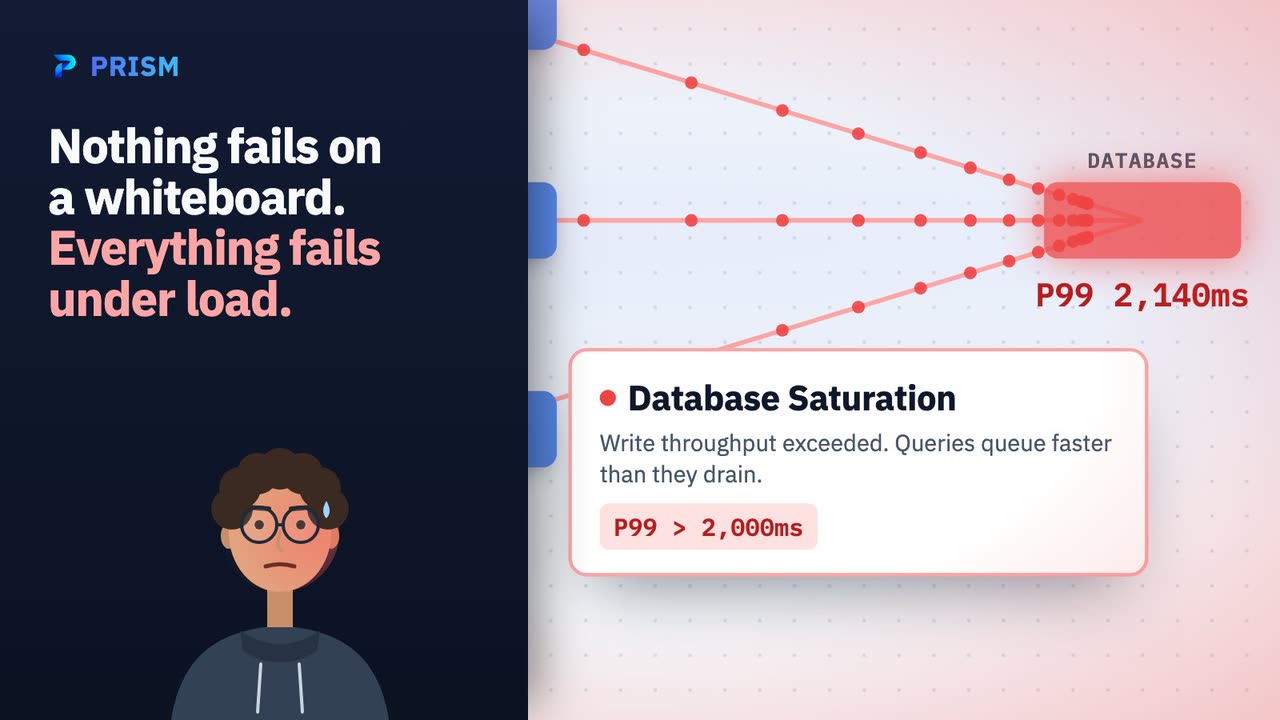
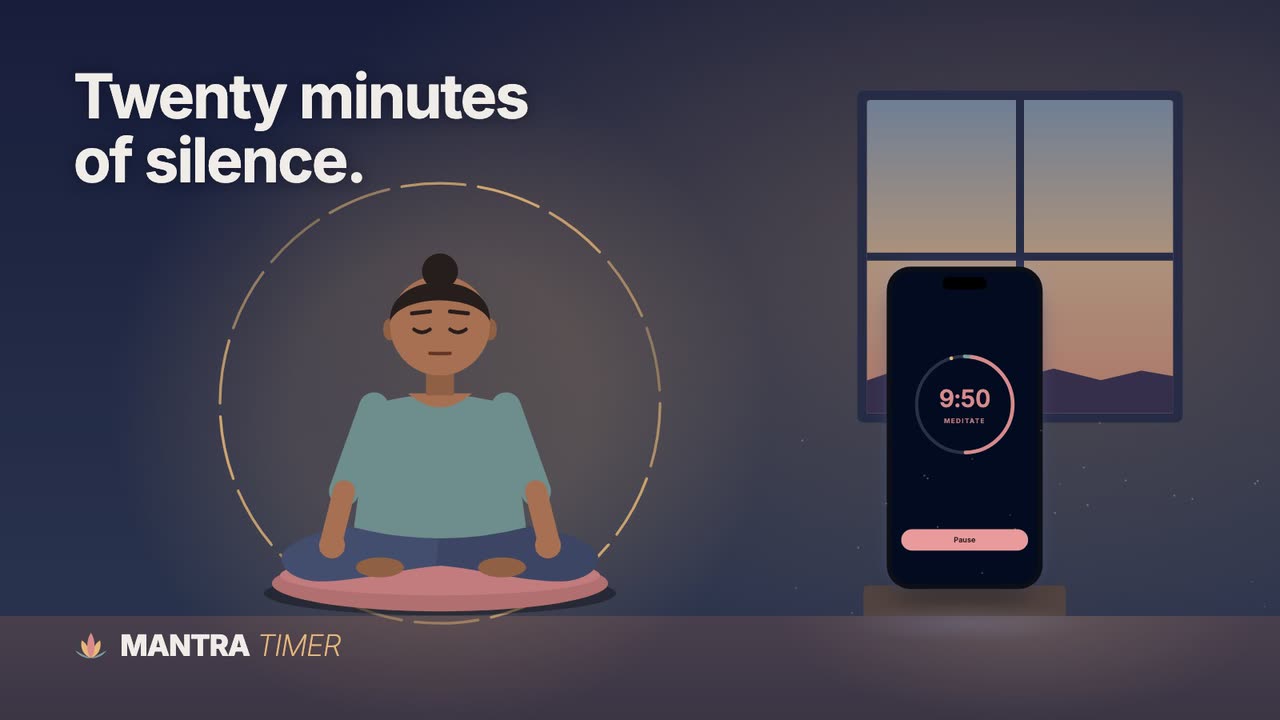
One moment your customers know, your product doing the work once, and a line they could repeat, in 45 to 60 seconds with every word on screen. That's the film in our hero, and these two were made from their products' websites alone:
Sources
- Unbounce: video on landing pages means more conversions, right? Wrong (2021 analysis), checked October 28, 2026
- Unbounce: case study, using video to lift conversion rate (Vidyard, 2011), checked October 28, 2026
- Wingify: Dr. Muscle success story, checked October 28, 2026
- Wingify: Device Magic success story, checked October 28, 2026
- Unbounce: high-converting landing pages (the 80% claim), checked October 28, 2026
- Unbounce: the benefits of using video on landing pages (where the 80% links), checked October 28, 2026
- Demo Duck: how we helped Crazy Egg drive an extra $21K, checked October 28, 2026
- web.dev: Largest Contentful Paint, checked October 28, 2026
- Chromium: LCP change in Chrome 116 for animated content, checked October 28, 2026
- web.dev: lazy loading video, checked October 28, 2026
- web.dev: replace animated GIFs with video, checked October 28, 2026
- Chrome for Developers: autoplay policy, checked October 28, 2026
- WebKit: new video policies for iOS, checked October 28, 2026
- WebKit: autoplay policy changes for macOS, checked October 28, 2026
- Apple: delivering video content for Safari, checked October 28, 2026
- Mozilla Hacks: Firefox 66 blocks audible autoplay, checked October 28, 2026
- W3C: Web Content Accessibility Guidelines 2.2, checked October 28, 2026
- Wyzowl: video marketing statistics 2026, checked October 28, 2026